| Core layout | Visual website thumbnails organized into groups, shown as header tabs or in a compact dropdown. | Visual cards organized into grids, with related grids grouped inside folders. |
|---|
| Desktop browsers | Official support for Chrome, Firefox, Edge, and Brave. | Extensions for Chrome, Firefox, Edge, and Brave. |
|---|
| Finding bookmarks | Search bookmark titles and URLs across every group. A sidebar can also expose browser bookmarks and recently closed tabs. | Quick Search finds saved destinations across grids. Save for Later keeps temporary links separate from the permanent layout. |
|---|
| Visual control | Backgrounds, fonts, colors, thumbnail sizing, corner radius, shadow, spacing, columns, and compact or standard layouts. | Colors, gradients, artwork, photography, typography, spacing, card shapes, custom logos, and reusable visual profiles. |
|---|
| Multiple destinations | Each visual bookmark represents one saved website. | One card can hold two named destinations when a site and a companion page belong together. |
|---|
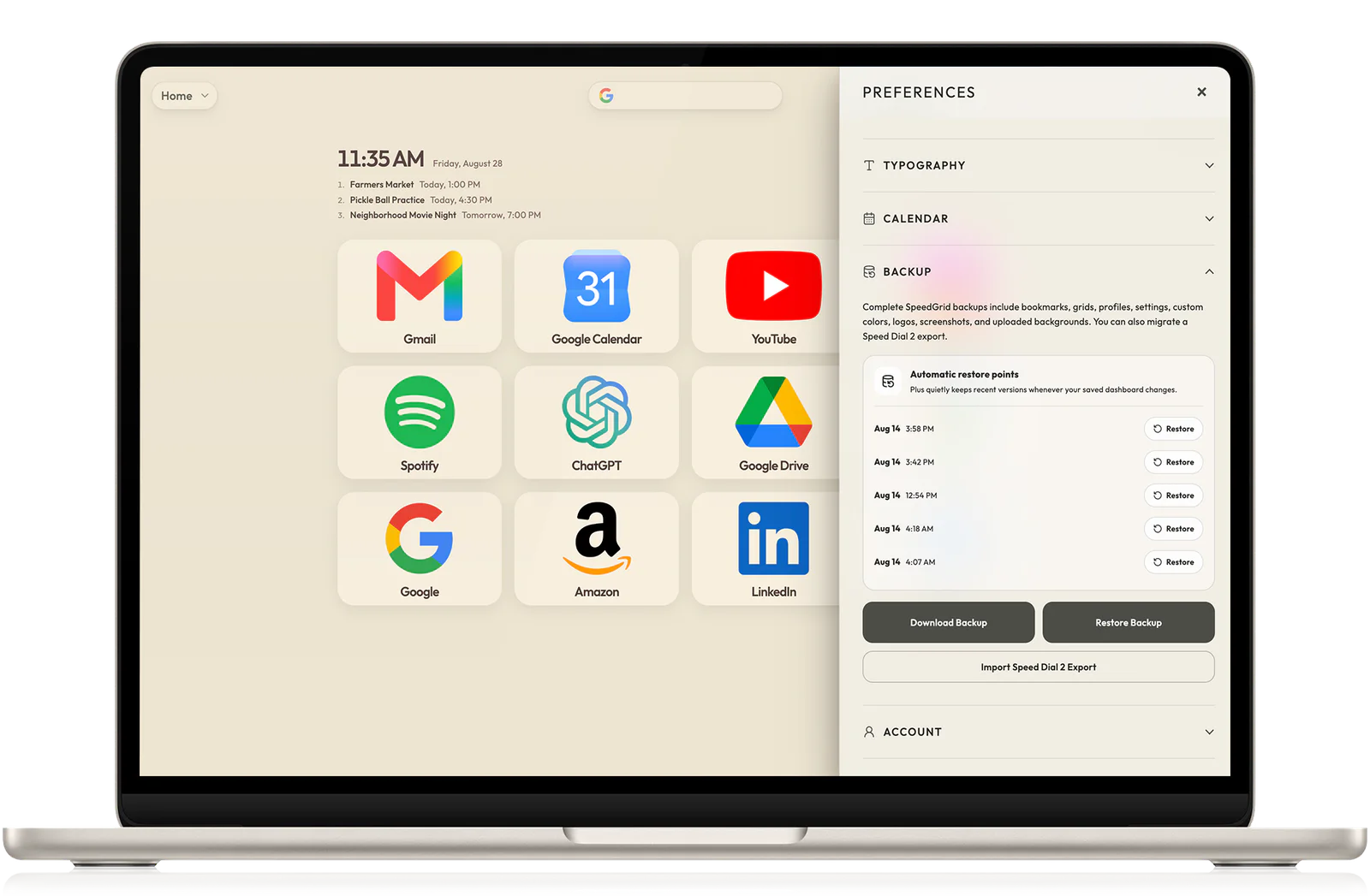
| Backup and sync | Manual JSON export is available to everyone. Official documentation places automatic sync and daily cloud backups in Pro. | Signed-in grids sync across devices. Manual portable backups are available, while Plus adds automatic restore points and file backups. |
|---|
| Phones and tablets | The official Pro mobile experience is a read-only progressive web app for viewing and opening bookmarks. | The signed-in SpeedGrid web app works in modern browsers on computers, tablets, and phones. |
|---|
| Distraction blocking | Includes Focus Mode for blocking selected distracting websites and scheduling blocks. | Does not include website blocking. SpeedGrid stays focused on organizing and opening destinations. |
|---|
| Moving between them | Can export bookmarks, groups, and settings as JSON. | Can directly read a Speed Dial 2 JSON export and let you choose which supported groups and bookmarks to bring over. |
|---|