
SpeedGrid
- Focused grids inside folders
- Two named destinations on one card
- Deep visual profiles, backups, and responsive web access
Five different kinds of better
I’m Joey, the designer and photographer who makes SpeedGrid. That gives me a point of view—and a reason to be unusually clear about it. This guide is not a one-through-five ranking. It matches five strong products to the job each is best equipped to do.
Product facts checked against official websites, help centers, privacy pages, and Chrome Web Store listings on August 14–15, 2026.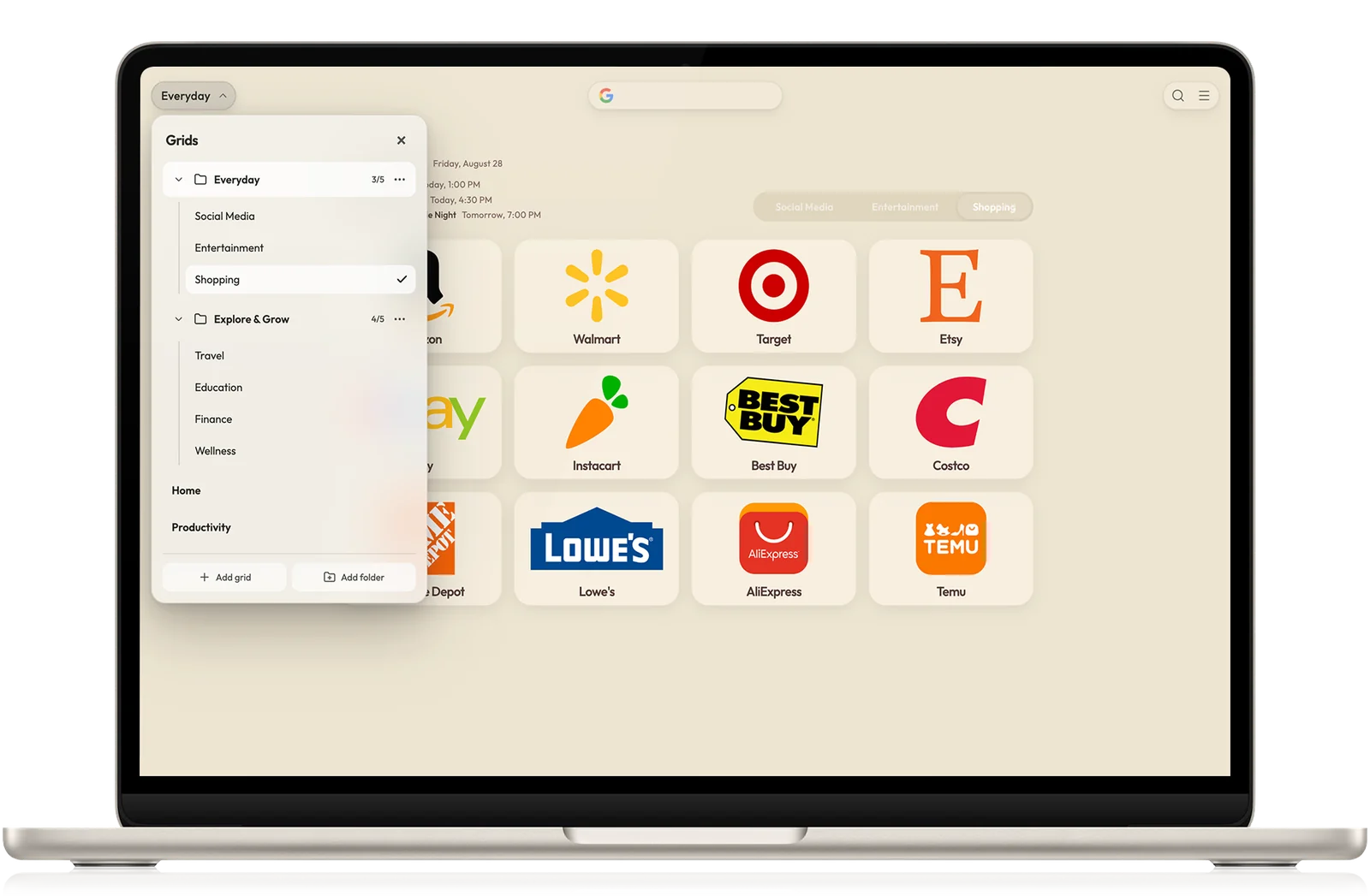
The shortlist
What I compared
Is the product organizing permanent destinations, current tabs, daily tasks, or a minimal set of links? Products feel frustrating when you ask them to solve a different kind of clutter than the one they were designed around.
Customization can mean picking a background or controlling an entire system. I looked at layout, type, spacing, cards, imagery, themes, profiles, and whether the result can stay coherent as the collection grows.
I checked current Store disclosures and official privacy documentation, then considered accounts, permissions, sync, backups, exports, and whether a user has a reasonable way to leave without rebuilding everything.
Choose in four questions
Pick the first statement that sounds like the real reason you are replacing Chrome’s default new tab.
Start with SpeedGrid. It is the most deliberate fit here for visual hierarchy, separate workspaces, folders, dual-destination cards, reusable profiles, and a setup that can grow without becoming a wall of thumbnails.
See the visual organization methodStart with Momentum for a polished daily-focus dashboard or Bonjourr for a private, open-source startpage with useful widgets and more hands-on customization.
Compare SpeedGrid and MomentumStart with Toby. Session save and restore, collections, collaboration, AI organization, and tab-oriented search address a different problem than a traditional speed dial.
Compare SpeedGrid and TobyStart with Speed Dial 2 if its thumbnail-and-group workflow, built-in Focus Mode, and read-only Pro mobile web app fit the way you browse. If folders, reusable visual profiles, and dual-destination cards matter more, SpeedGrid can import a Speed Dial 2 JSON export directly.
Read the Speed Dial 2 alternative comparison and migration guideOne honest warning
A beautiful new tab can still be the wrong tool. Momentum and Bonjourr make stronger focus dashboards. Toby is more capable with live tab sessions. Speed Dial 2 combines its classic thumbnail workflow with built-in distraction blocking. SpeedGrid is my pick for people who treat digital order like a clean desk, but you should choose the product that removes friction from the way you actually work.
Best for a place for everything
SpeedGrid is free to start. Build one grid from the destinations you used yesterday and see whether the structure feels natural.
Install SpeedGrid