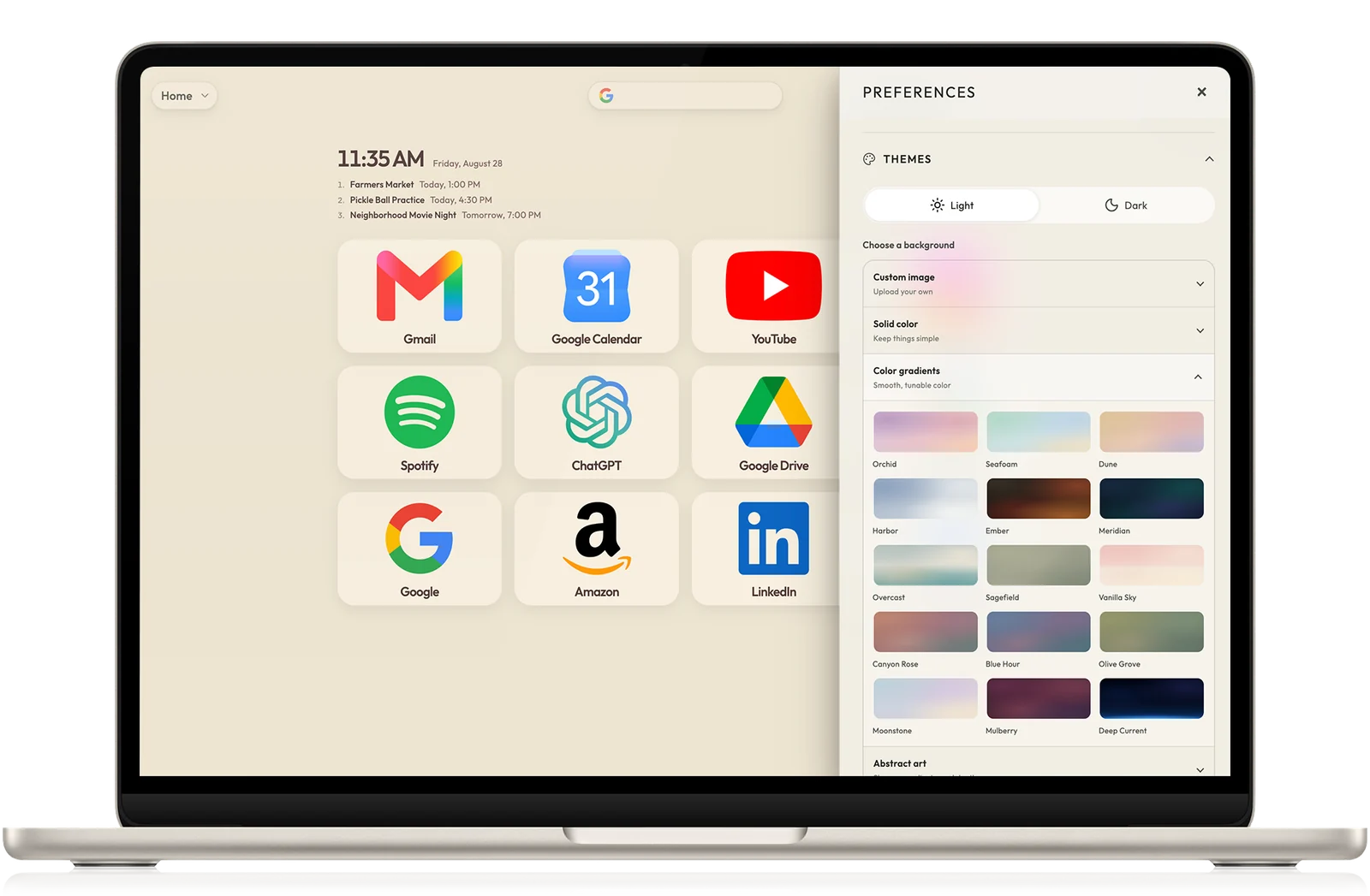
Not every new-tab extension is trying to solve the same problem. These guides start with the job each product does best, then show where SpeedGrid is meaningfully different.
I created SpeedGrid. Every guide names that relationship, uses official product sources, and calls out reasons the other product may be the better fit.
Six honest side-by-sides
Start with the product closest to the way you already browse.
These comparisons reflect SpeedGrid’s current weather, calendar, cross-device access, browser support, profiles, and backups. The useful differences are now about workflow, not missing basics.
Daily focus dashboard
SpeedGrid vs Momentum
Both can bring live weather and a calmer start to the day. Compare Momentum’s focus system with SpeedGrid’s organized destinations, calendar context, and visual profiles.
The real choice is active focus coaching and task tools versus a deeper visual home for the sites and workflows you return to.
Compare Speed Dial 2’s established thumbnail-and-group workflow with SpeedGrid’s grids, folders, visual profiles, dual-destination cards, and direct web workspace.
The sourced guide includes a full feature table, fair reasons to stay, and a direct JSON import path so you can test SpeedGrid without starting over.
Both offer weather, backgrounds, and a calm start across desktop browsers. Compare Bonjourr’s open-source simplicity with SpeedGrid’s folders, profiles, and backups.
The real choice is a minimal no-account startpage versus a synced visual system designed to grow with a larger collection.
Both offer visual shortcuts, weather, search, and extensive background choices. Compare Infinity’s built-in utilities with SpeedGrid’s folders, profiles, and backups.
The real choice is adding notes, tasks, and browser-data tools to the page versus keeping permissions narrow and navigation central.
SpeedGrid is free to start. Use your actual destinations, compare the experience side by side, and keep whichever product makes the new tab feel easier.
Help us improve SpeedGrid by measuring visits and interactions on public pages. We never measure your dashboard, bookmarks, calendars, or searches. Privacy details